Quick answer
- Compare the after-promo price, not just the intro deal.
- Check upload speed if you work from home.
- Buy for your busiest hour, not an average day.
- Avoid contracts, deposits and equipment fees.
- Don't cancel your old provider first. Keep both running until the new one is live.
AI summary · Free
Short on time? Let AI read this article for you.
Skip the scrolling. Choose an AI assistant and it opens with this article already attached. Press send and you get only what matters for your internet: the Netcrawler plan that fits you, the price and how to switch. Then ask your own follow-up questions.
- 1Pick an assistant
- 2Press send
- 3Get your plan pick
↓Pick your assistant and get your summary in seconds:
Then ask it anything, like “Which plan fits a family of four?” or “How much would I save vs. my current bill?”
Free to use. Opens in a new tab, and only this page link is shared.
Choosing an internet plan should take five minutes. Instead, most of us end up comparing promo banners and squinting at asterisks like they’re a magic-eye poster. After thousands of chats with people switching to Netcrawler, these are the mistakes we see over and over.
1. Comparing promo prices instead of real prices
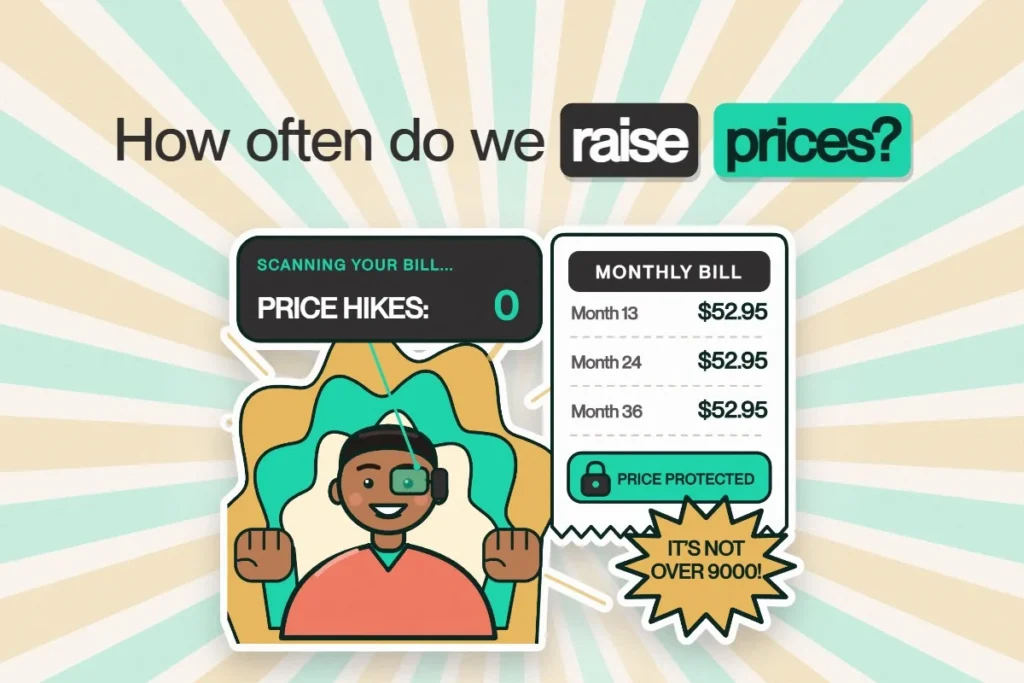
The intro price is the bait. The price you pay in year two and three is the one that matters. Always ask: “What’s my price in month 13?” At Netcrawler that number is printed on every plan and it’s Price Protected.
2. Under-buying for a busy household
The cheapest tier looks great on paper until 7 p.m., when four people are streaming, gaming and on video calls at once. That’s when someone starts yelling up the stairs. Pick a plan for your busiest hour. Families of four or more are usually happiest on Pro 500/200, and gamers on Gigabit. Our speed tier guide breaks it down.
3. Ignoring upload speed
Choppy Zoom calls are rarely a download problem. They’re an upload problem. Your face is data too, and it has to get out of the house. Lots of cable plans upload at a fraction of their download speed. Netcrawler’s Work & Play plan is 100/100, the same speed in both directions.
4. Not getting help with your Wi-Fi setup
Great internet deserves great Wi-Fi. A few quick tweaks make a big difference:
- Moving the router to a central, open spot. A cabinet is not a central, open spot.
- Using the 5 GHz band for laptops and TVs close by, and 2.4 GHz for far-away smart devices.
- Plugging gaming consoles and desktops in with an ethernet cable.
Our support team can help you split or rename your networks in a few minutes over chat. Tim, a Netcrawler customer, had Lee help him “split my signal to 2.4 and 5 for my smart devices.” And if your wired speed test is maxed out at peak times, that’s your sign to move up a tier.
5. Signing a contract
Two-year terms make it expensive to leave when the service gets worse or prices go up. There’s no reason to accept that anymore. Every Netcrawler plan is month-to-month.
6. Forgetting the hidden costs
Ask about: modem rental, installation fees, technician visits, deposits and delivery. With Netcrawler, the Wi-Fi router is included, delivery is free, there’s no deposit, and most people self-install in about 5 minutes. The one cost to know about: if you cancel, the return label for the router is $30 plus tax.
7. Cancelling your old provider first
This one causes the most stress. Don’t cancel first, however good it would feel. Order your new service, wait until it’s live, test it, then cancel the old one. You’ll have zero downtime.
Netcrawler is month-to-month with no contracts, the Wi-Fi router is included, and real people answer on live chat or WhatsApp in under a minute.
Frequently asked questions
What should I compare when choosing an internet plan?
Compare the after-promo monthly price, download and upload speeds, contract length, equipment and installation fees, and how easy it is to reach support.
Should I cancel my old internet before switching?
No. Keep your old service until your new connection is installed and working, then cancel. That way you have no downtime.
Why is my internet slow in one room?
Usually it's Wi-Fi coverage. Move the router to a central spot, use ethernet for nearby devices, and message Netcrawler support for help optimizing your setup.
Does Netcrawler charge for the router?
A Wi-Fi router is included with Netcrawler plans, with free delivery and no deposit.