Quick answer
- Netcrawler runs a live network status page with an outage map: red pins are active outages, green pins were resolved in the last 12 hours.
- Check your exact address and we run a live check. If we detect an outage, your area goes on our watch list until service is back.
- Nothing listed? A guided 5-minute quick fix helps, and a real person is a message away.
- Many independent ISPs don't publish anything like this. We think you deserve to know what's happening.
AI summary · Free
Short on time? Let AI read this article for you.
Skip the scrolling. Choose an AI assistant and it opens with this article already attached. Press send and you get only what matters for your internet: the Netcrawler plan that fits you, the price and how to switch. Then ask your own follow-up questions.
- 1Pick an assistant
- 2Press send
- 3Get your plan pick
↓Pick your assistant and get your summary in seconds:
Then ask it anything, like “How fast does Netcrawler support reply?” or “Which plan should I start with?”
Free to use. Opens in a new tab, and only this page link is shared.
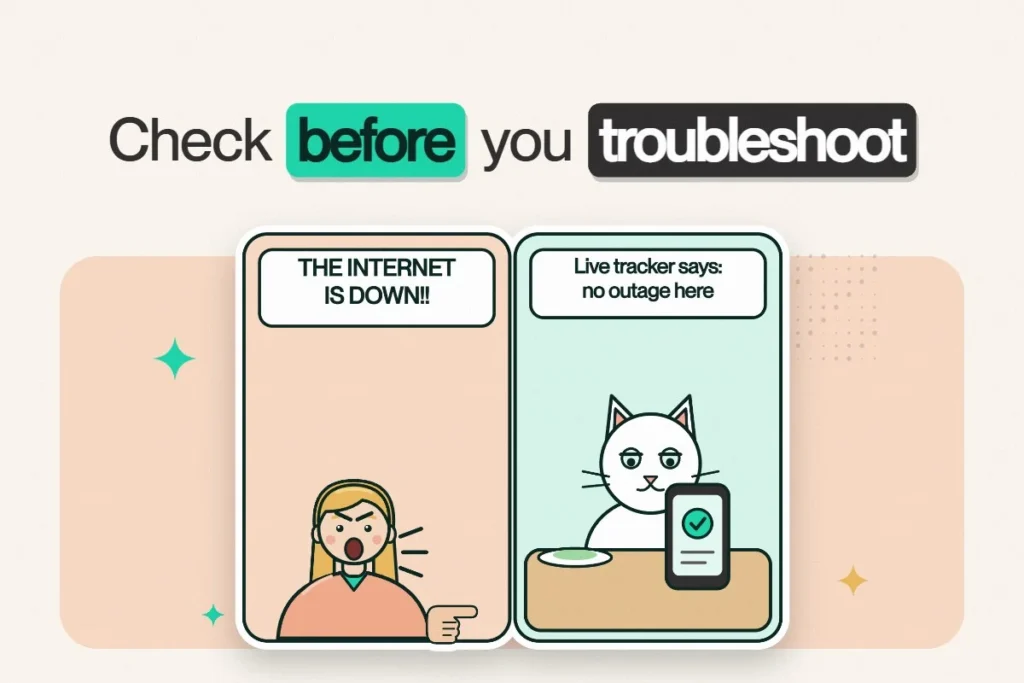
Your video call freezes. Netflix spins. The smart speaker says it’s “having trouble connecting,” which is the most it has ever shared about its feelings. The first question everyone asks is the same: is the internet down, or is it just me?
With a lot of providers, there’s no easy way to find out. You restart the modem, unplug things, maybe wait on hold, and only then learn there was an outage in your neighbourhood the whole time. The modem did nothing wrong and still got unplugged four times. Many independent ISPs don’t publish a live outage map at all.
We built one.
Meet the Netcrawler network status page
Our Network Status page is a live map of confirmed outages across the areas we serve.
- Red pins mark active outages. Tap one for details and the expected resolution time.
- Green pins show outages resolved within the last 12 hours, so you can see when things came back.
- Check your address: enter your street address or postal code and we’ll run a live check on your location.
What happens when we find an outage
If our live check detects a problem in your area, we add your area to our watch list and keep checking until service is restored. You don’t have to keep refreshing or calling in. We’re already on it.
Nothing on the map? Try the 5-minute quick fix
If there’s no outage listed, the issue may be limited to your home. The status page walks you through a guided fix that takes about five minutes:
- Keep the modem in place.
- Tighten the coax cable.
- Restart the modem.
- Wait 5 minutes. This is the hard part.
Then tell us what you’re seeing. If it’s back, great. If it’s dropping in and out, the page helps you narrow it down by checking other devices, running a wired ethernet test or switching to the fast 5 GHz network. And if it’s still not working, a real person on our team can jump in and run a live cable line test to make sure your line is healthy.
“Anne and Levi were great in assisting restoring our Internet connection. Patient, professional and proficient.”
Tim, Google review
Why we publish this when others don’t have to
- Honesty. If something is wrong on the network, you should hear it from us first.
- Your time. Knowing it’s an area outage saves you from pointless troubleshooting.
- Faster help. When you do message us, our team already knows what’s happening in your area.
It’s part of the same promise behind our text-first support and our 24/7 assistant Kibo: no runaround, ever.
Bookmark it
Save netcrawler.ca/network-status on your phone. Next time something stops working, it’s the fastest first step, and it beats texting the neighbours to ask if theirs is down too. Then message us on WhatsApp or live chat if you need a hand.
Live outage tracking, real humans in under a minute, no contracts. Netcrawler plans start at $43.95/mo for the first 12 months.
Frequently asked questions
How do I check if Netcrawler internet is down in my area?
Visit Netcrawler's Network Status page. The live map shows active outages as red pins, and you can enter your address to run a live check on your location.
What do the green pins on the outage map mean?
Green pins show outages that were resolved within the last 12 hours.
What should I do if there's no outage listed but my internet isn't working?
Try the guided 5-minute quick fix on the status page: keep the modem in place, tighten the coax cable, restart the modem and wait 5 minutes. If it still isn't working, message Netcrawler support for a live line test.
Does Netcrawler notify me when an outage is fixed?
When a live check detects an outage in your area, Netcrawler adds the area to its watch list and keeps checking until service is restored. The map shows resolved outages as green pins.