Quick answer
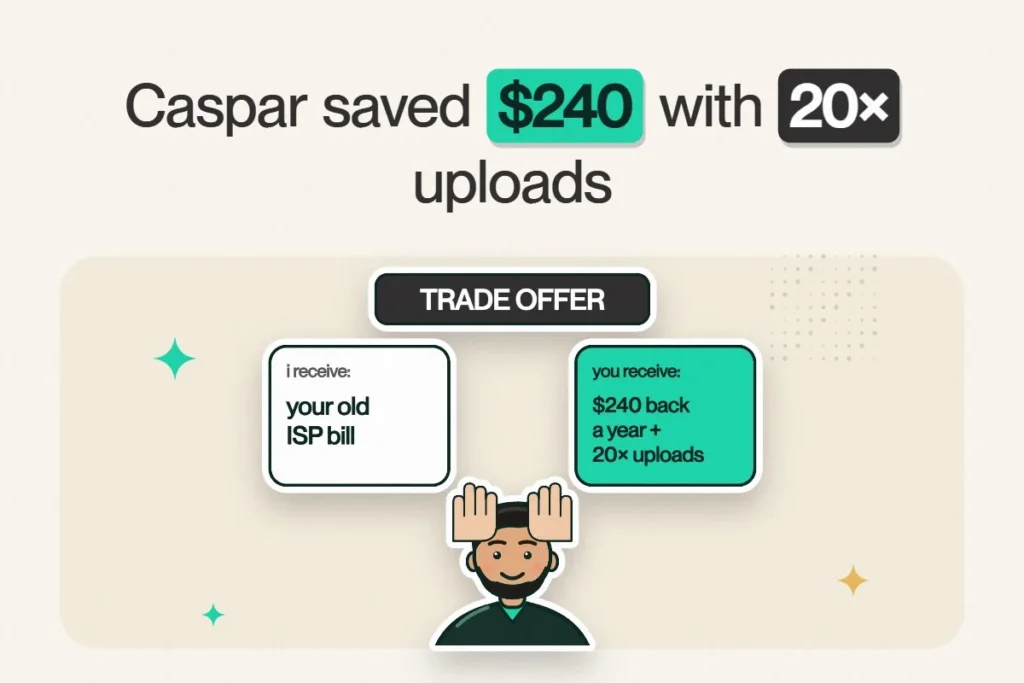
- Who: Caspar, who works with large files all day.
- Before: with his previous provider, he was paying $20 more a month, with uploads a fraction of the speed.
- After switching: $20/month saved, which is $240 a year, and upload speed 20× faster.
- Helped by: Netcrawler agents Austin and Lee.
AI summary · Free
Short on time? Let AI read this article for you.
Skip the scrolling. Choose an AI assistant and it opens with this article already attached. Press send and you get only what matters for your internet: the Netcrawler plan that fits you, the price and how to switch. Then ask your own follow-up questions.
- 1Pick an assistant
- 2Press send
- 3Get your plan pick
↓Pick your assistant and get your summary in seconds:
Then ask it anything, like “Would I save money by switching?” or “Which plan fits my household?”
Free to use. Opens in a new tab, and only this page link is shared.
Some customer stories are about fixing a problem. Caspar’s is about something many people don’t realize is costing them: slow upload speed.
The problem: a job that lives in the upload bar
Caspar works with large files all day. If your job involves sending files rather than just receiving them, you know the feeling. Designers, video editors, photographers and engineers live there. Your download speed looks fine on paper, but every upload crawls. You’ve made coffee during an upload. You’ve made lunch during an upload.
That’s because many internet plans are asymmetrical: fast download, much slower upload. It’s easy to miss when you’re comparing plans by the big download number.
The switch
Caspar moved to Netcrawler from his previous provider. Our agents Austin and Lee helped with the transition. And since you don’t need to cancel your old service until the new one is live, there’s no gap without internet.
The result, in his own words
“Moved from Teksavy to Netcrawler, saved $20 a month and my upload speed is 20 times faster which is amazing as I work with large files all day. Austin and Lee were very helpful with my transition and I look forward to continued high speed service.”
Caspar White, Google review
What this means for you
If you upload a lot, here’s the quick math on why it matters. Sending a 10 GB project folder:
| Upload speed | Time for 10 GB (ideal conditions) |
|---|---|
| 10 Mbps | About 2 hours 13 minutes |
| 30 Mbps | About 44 minutes |
| 100 Mbps (Work & Play 100/100) | About 13 minutes |
| 200 Mbps (Pro, Gigabit, Next Gen) | About 7 minutes |
Over a working week, that’s hours back, and nobody has ever missed watching a progress bar.
He’s not the only one
Kristyn switched from Rogers because she was unhappy with the service and her monthly bills. She told us she “received my router in 2 days” and, with Austin’s help, set everything up quickly. You’ll find dozens of stories like these in our Google reviews, where we sit at 4.7★.
Thinking about switching?
- Check your address and pick a plan. It takes under 5 minutes.
- Your router arrives free in a few days.
- Plug it in. Most people are online in about 5 minutes.
- Test it, then cancel your old provider. Zero downtime, and one fairly satisfying breakup call.
Not sure which plan fits your upload needs? Our speed tier guide helps, or ask Austin, Lee and the team on chat.
Month-to-month, no contracts, router included, and real people helping you switch. Work & Play 100/100 starts at $43.95/mo for the first 12 months.
Frequently asked questions
How much can I save by switching internet providers?
It depends on your current plan, but many customers save significantly. For example, Netcrawler customer Caspar saved $20 a month, or $240 a year, after switching.
Will I lose internet while switching to Netcrawler?
No. Keep your old service running until your Netcrawler connection is live, then cancel. That means zero downtime.
Which Netcrawler plan has the best upload speed?
Work & Play is symmetrical at 100/100 Mbps. The Pro, Gigabit and Next Gen plans offer 200 Mbps upload.