Quick answer
- Wi-Fi 7, also called 802.11be, adds wider 320 MHz channels on 6 GHz, 4K-QAM and Multi-Link Operation for faster, steadier wireless.
- You'll notice it most on gigabit-plus plans with newer devices that support Wi-Fi 7.
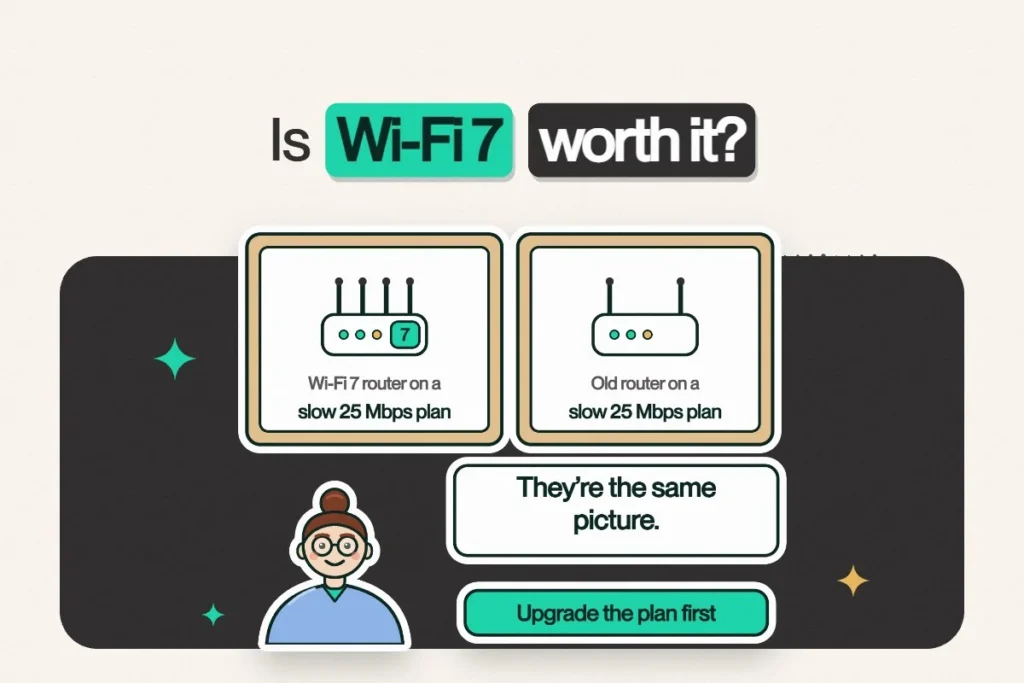
- Planning to upgrade? Upgrade your plan first. A Wi-Fi 7 router pays off on Gigabit and Next Gen.
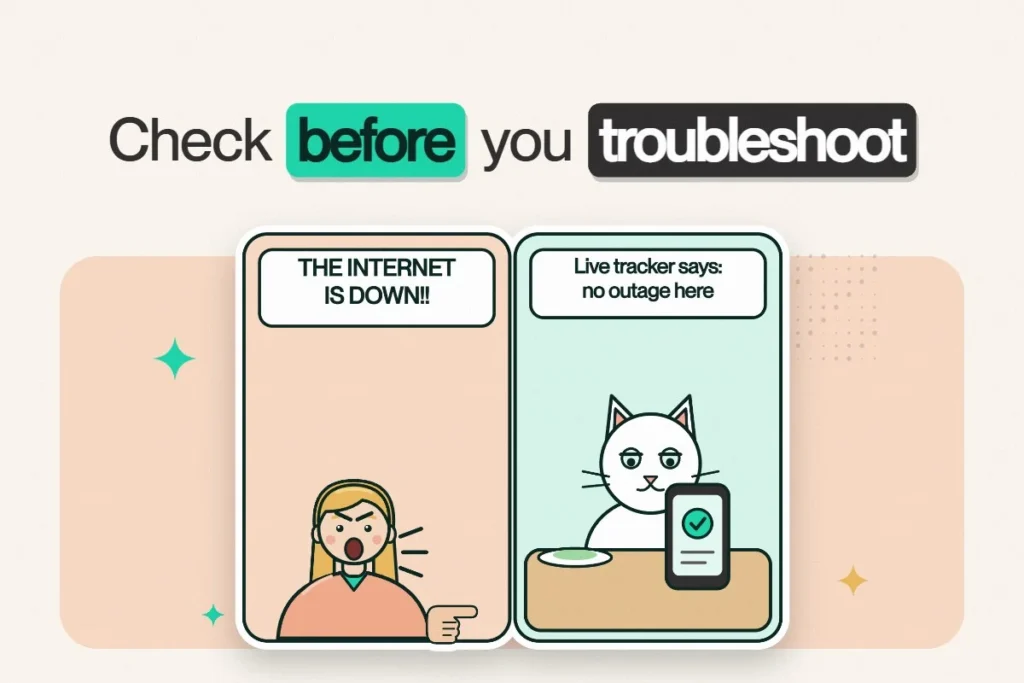
- Before buying anything, ask our support team what's actually slowing your Wi-Fi.
AI summary · Free
Short on time? Let AI read this article for you.
Skip the scrolling. Choose an AI assistant and it opens with this article already attached. Press send and you get only what matters for your internet: the Netcrawler plan that fits you, the price and how to switch. Then ask your own follow-up questions.
- 1Pick an assistant
- 2Press send
- 3Get your plan pick
↓Pick your assistant and get your summary in seconds:
Then ask it anything, like “Which plan is best for gaming?” or “Can it handle three 4K streams at once?”
Free to use. Opens in a new tab, and only this page link is shared.
Black Friday is here and the router aisle is shouting “WI-FI 7!” from every box. Should you buy one? Let’s skip the marketing and talk about what it actually does for you.
What is Wi-Fi 7?
Wi-Fi 7 is the nickname for the IEEE 802.11be standard. The Wi-Fi Alliance began certifying Wi-Fi 7 devices in early 2024. The headline features:
- 320 MHz channels in the 6 GHz band, double the width of Wi-Fi 6E. Think of it as a wider highway. Like the 401, if adding lanes had ever worked.
- 4K-QAM, which packs more data into every transmission.
- Multi-Link Operation, or MLO, letting a device use multiple bands at once for speed and stability. This one is the real star for gamers and video calls.
Will Wi-Fi 7 make my internet faster?
Here’s the honest answer: Wi-Fi can’t be faster than your internet plan. A router moves data around your home; your plan sets how fast it comes in from outside. A faster router on a slow plan is a bigger mailbox, not more mail.
| Your plan | Will Wi-Fi 7 help? |
|---|---|
| Work & Play 100/100 | Your current router already handles this speed well. Thinking Wi-Fi 7? Pair it with a faster plan. |
| Pro 500/200 | Sometimes, in bigger homes or with many devices. |
| Gigabit 1000/200 | Yes, if your devices support Wi-Fi 7. It helps you get closer to a gig wirelessly. |
| Next Gen 1500/200 | Yes. Older Wi-Fi rarely reaches 1.5 Gbps on a single device. |
Do my devices support Wi-Fi 7?
To benefit, your phone, laptop or console needs Wi-Fi 7 too. Many recent flagship phones and laptops do, including Apple’s iPhone 16 lineup, but most older devices don’t. A Wi-Fi 7 router still works with older devices; they just connect at their own Wi-Fi generation.
Before you buy: 3 free fixes that often help more
- Move the router to a central, open spot.
- Use ethernet for consoles, desktops and smart TVs that sit near the router.
- Split your bands so old smart devices stay on 2.4 GHz and don’t slow everything else down. Our team can help with this over chat.
Our take
Wi-Fi 7 shines on Gigabit and Next Gen plans with newer devices. That’s the combo that gets you closer to full speed anywhere in the house. If you’re on 100/100 today and thinking about Wi-Fi 7, upgrade your plan first; that’s what makes a new router worth it. And if you’re not sure what’s slowing your Wi-Fi, message us on WhatsApp with a speed test screenshot. We’ll tell you before you buy anything, even if the answer is “move it out of the cabinet.”
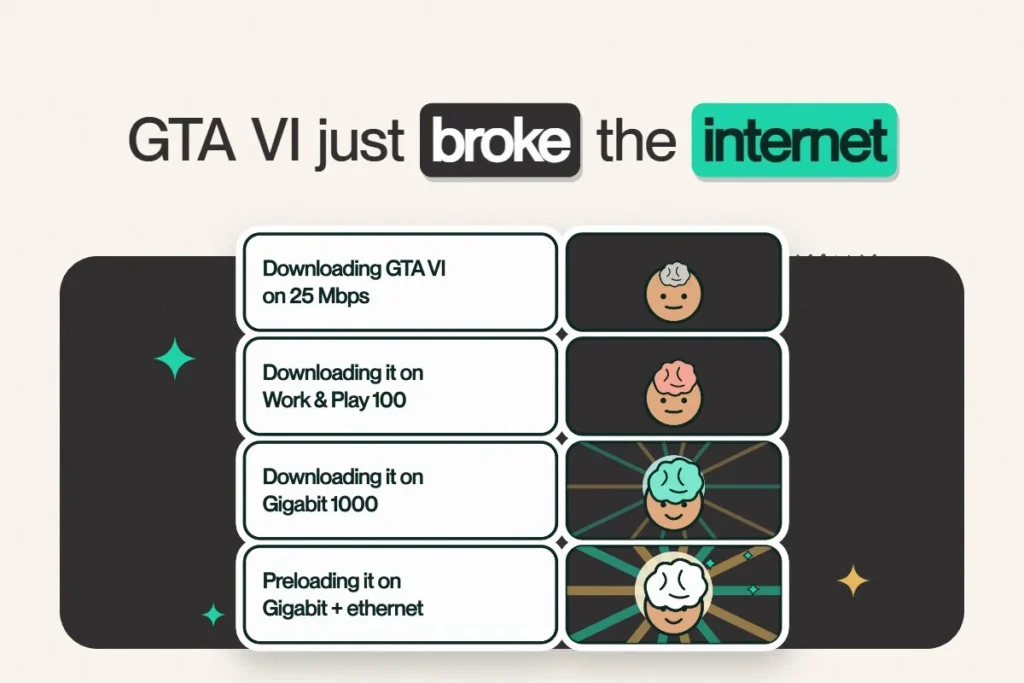
Gaming? See how fast the 212 GB GTA VI download goes on each plan.
Gigabit 1000/200 starts at $74.95/mo for the first 12 months and Next Gen 1500/200 at $81.95/mo. No contracts, router included.
Frequently asked questions
Is Wi-Fi 7 worth it?
Wi-Fi 7 is worth it when you pair it with a gigabit or faster internet plan and devices that support Wi-Fi 7, like Netcrawler Gigabit 1000/200 or Next Gen 1500/200.
Will a Wi-Fi 7 router make my internet faster?
It can make your wireless connection faster and more stable inside your home, but it can't exceed the speed of your internet plan.
Does Wi-Fi 7 work with older devices?
Yes. Wi-Fi 7 routers are backward compatible; older devices connect using their own Wi-Fi standard.
What is Multi-Link Operation (MLO)?
MLO is a Wi-Fi 7 feature that lets a device send and receive data over multiple bands at once, improving speed, reliability and latency.